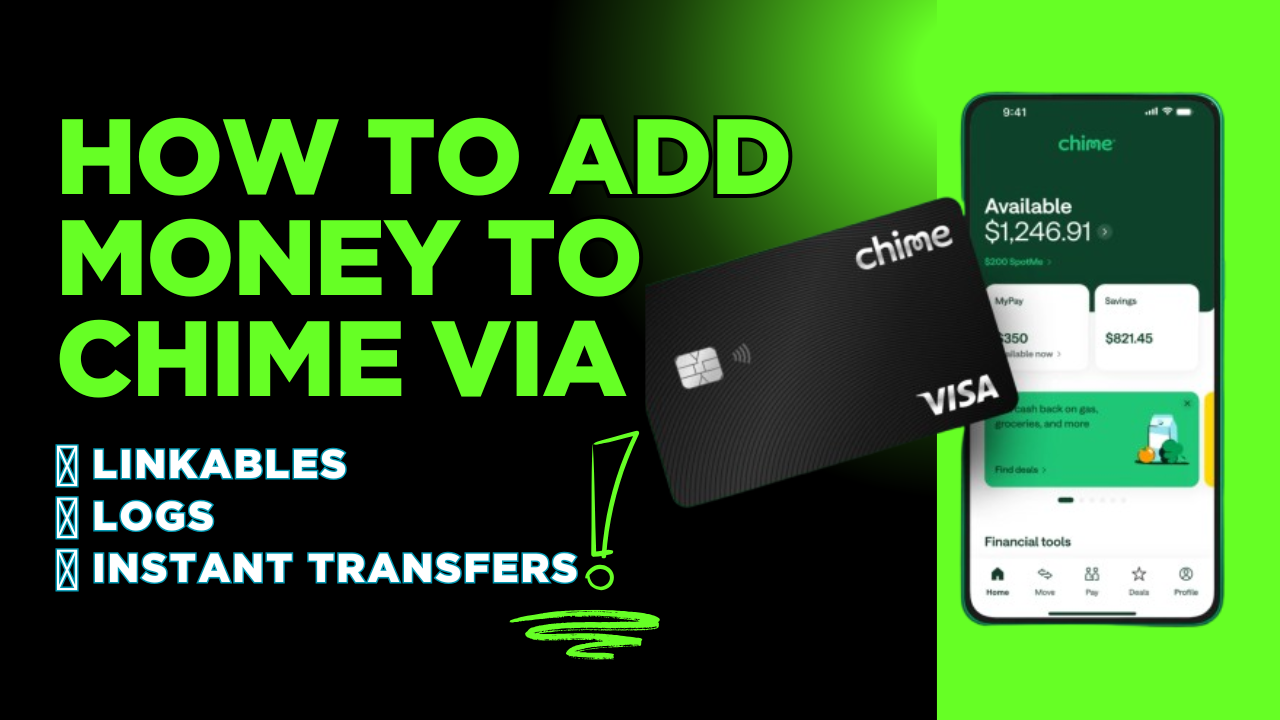
How to Add Money to Chime Using Linkables, Logs and Instant Transfers

Riley Roland
BloggerLooking to fund your Chime account fast? You have come to the right place. We will cover three powerful methods: linking non-VBV debit cards to add money instantly, cashing out Chime logs with existing balances, and using instant Chime transfers with just your name and $ChimeSign.
Let's dive in. 💰
PART 1: WHAT ARE CHIME LINKABLES ?
A Chime Linkable is a non-VBV debit card that can be linked directly to your Chime account without requiring additional verification. No ID checks. No SSN matching. No waiting periods.
Key Features
No extra verification — Link instantly without OTP or security codes.
Add cash to Chime balance — Funds become available immediately after linking.
Works with most non-VBV cards — Compatible with Visa, Mastercard.
No bank account needed — Just the card details are enough.
WHERE TO GET CHIME LINKABLES
You can purchase verified Chime Linkables from our shop. Each package includes the complete card info needed to link card succesfully.
👉 Visit: bluewhalelogs.com and navigate to the Chime Linkables section.
HOW TO ORDER
Pick a Linkable with your preferred balance.
Checkout to complete your purchase.
Receive your card details via email within 5 to 10 minutes.
⚡ Instant delivery. Verified cards. Ready to use.
HOW TO LINK A NON-VBV CARD TO CHIME
Follow these three simple steps to link your non-VBV debit card to your Chime account.
Step 1: Log into your Chime account using the app or website.
Step 2: Go to Settings, then Linked Accounts, then select Add Card.
Step 3: Enter your non-VBV card details (card number, expiration date, CVV, and billing ZIP), then click "Link Card" and you're done.
💡 No verification code required — that is the beauty of non-VBV cards.
HOW TO ADD MONEY INSTANTLY
Once your non-VBV card is linked, go to Move Money, select Add Money, pick your linked card, enter the amount, and confirm. Funds appear in your Chime balance instantly.
🔥 Pro tip: Start with a small amount first to test before moving larger sums.
PART 2: WHAT ARE CHIME LOGS ?
A Chime Log is a fully verified Chime account that already contains a balance. Instead of starting from scratch, you get instant access to an account with funds ready to withdraw or transfer.
WHAT'S INSIDE A CHIME LOG PACKAGE
Login Credentials — Email/username and password.
Email Access — Full inbox access for verification codes.
2FA Disabled — No authentication app or SMS required.
Last Login IP — Helps match region to avoid security flags.
Cookie File — Bypasses login triggers for smooth access.
Account Balance — The available balance ready for withdrawal.
WHERE TO GET CHIME LOGS
👉 Visit: bluewhalelogs.com and navigate to the Chime Logs section.
HOW TO ORDER
Browse available logs by balance range.
Select the log that fits your needs.
Checkout and receive credentials via email within 5 to 10 minutes.
⚡ Verified balances. Instant delivery. Full access.
HOW TO CASH OUT A CHIME LOG
Once you have access to the Chime account, follow these steps to withdraw the balance.
Step 1: Log into the Chime account using the provided credentials. Use a VPN or Proxy, matching the last login IP for security.
Step 2: Confirm the balance matches what you ordered.
Step 3: Transfer the balance using one of these methods:
Instant Transfer to External Bank — Link a compatible bank account and transfer instantly (small fee applies).
Chime to Chime Transfer — Send funds to another Chime account using the recipient's $ChimeSign or phone number.
ATM Withdrawal — Use the physical Chime card to withdraw cash (if available).
Peer-to-Peer Apps — Link Chime to Cash App, Venmo, or PayPal and transfer out.
🔥 Pro tip: Use Chime to Chime transfer for the fastest and most reliable cashout.
PART 3: WHAT ARE INSTANT CHIME TRANSFERS ?
Instant Chime Transfers are the fastest way to get your Chime account loaded with funds. With just your Chime name and $ChimeSign, you can receive funds instantly. no card linking, no bank verification, and no waiting.
HOW IT WORKS
You provide your Chime $ChimeSign, registered name, and we initiate an instant transfer to your Chime account. The amount you select reflects in your balance immediately.
HOW TO REQUEST AN INSTANT CHIME TRANSFER
Step 1: Visit bluewhalelogs.com and navigate to the Chime Transfers section.
Step 2: Select the amount you want loaded into your Chime account.
Step 3: Provide your Chime $ChimeSign and registered name during checkout.
Step 4: Complete your order.
Step 5: Receive confirmation and see funds reflected instantly in your Chime balance.
⚡ No card needed. No bank linking. Just your $ChimeSign.
FREQUENTLY ASKED QUESTIONS:
Can I link any non-VBV card to Chime?
Most non-VBV Visa, Mastercard. However, Chime may reject some prepaid cards.
How long does a Chime Log cashout take?
Typically 15 to 20 minutes from login to withdrawal confirmation.
Do I need to verify my identity for Instant Chime Transfers?
No. Instant transfers only require your $ChimeSign. No ID or bank details needed.
Is there a limit on how much I can add?
Chime imposes daily and monthly limits on card loading and transfers. Check your Chime account for specific limits.
READY TO GET STARTED ?
👉 Visit bluewhalelogs.com now
Choose your preferred method:
Chime Linkables — Non-VBV cards for instant funding
Chime Logs — Pre-loaded accounts ready to cash out
Chime Transfers — Load your account with just your $ChimeSign
Fresh inventory is added daily. Our support team is available 24/7 via Telegram, WhatsApp, and Live Chat.
Fund your Chime account fast — the sleek way. 💰🔥
📘 Educational Disclaimer
This blog content is provided strictly for educational purposes. It is intended to inform and guide readers, not to promote or encourage misuse of banking or financial systems.